
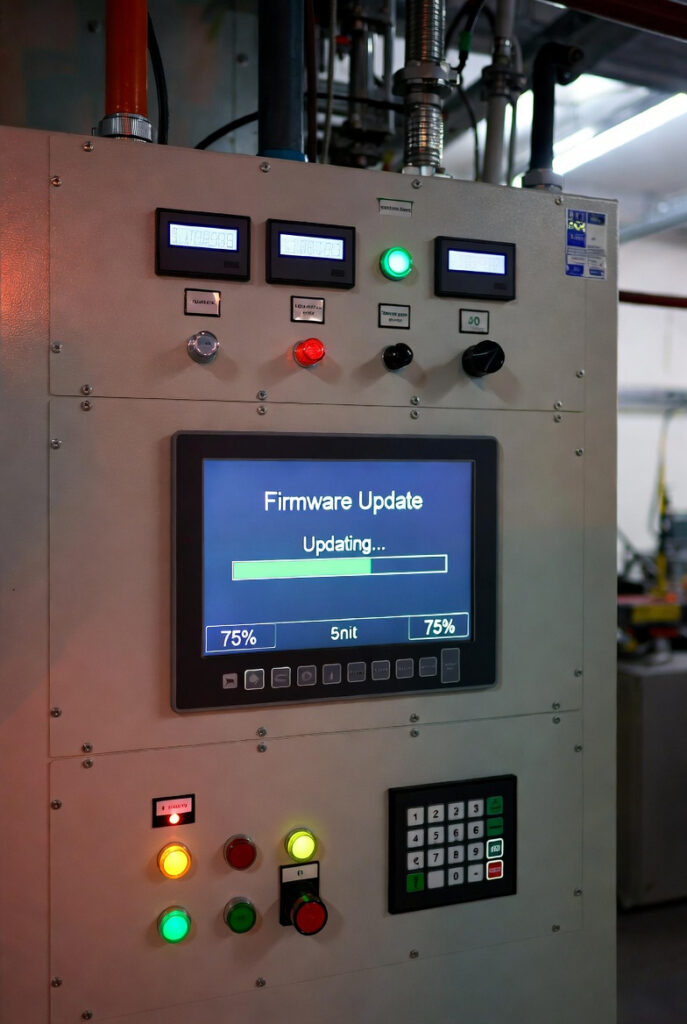
Updating inverter firmware safety is not a setting. It is a procedure. I had a client call after his Victron MultiPlus-II stopped responding mid-update. He had started the VictronConnect firmware push from his laptop, which was running on the MultiPlus output through the AC panel. The update reached 67% and the inverter rebooted as part of the flash sequence. The reboot killed the AC output. The laptop lost power. The update died at 67% with a corrupted firmware partition. The MultiPlus displayed a solid amber light and nothing else. That is a bricked inverter. Not a failed update. A bricked inverter. The recovery required a physical USB-to-MK3 interface cable, a direct laptop connection bypassing the network entirely, and two hours on the phone with Victron technical support. The correct procedure would have taken 20 minutes. The incorrect procedure cost him two hours and nearly cost him a $2,000 inverter. For the system sizing context that covers which inverter belongs in a given Fortress build, the hub covers the load calculation.
Updating Inverter Firmware Safety: Why It Is Not a Smartphone Task
The smartphone update assumption is the root cause of most bricked inverters. A smartphone updates its own storage while running on its own battery. An off-grid inverter updates its flash partition while providing AC power to the house, the router, and the laptop running the update tool. When the inverter reboots at the end of the flash sequence, it cuts AC output. If the update tool is running on that AC output, the connection dies at the worst possible moment. The communication timeout mechanism works like this: the flash partition is held open during the write sequence. If the write is interrupted, the partition is left partially written. The inverter boots from a corrupted partition and produces a fault state. Recovery requires direct physical connection via MK3-USB interface, not a network reconnect. For inverter thermal shutdown context, the inverter ventilation guide covers the enclosure airflow standard that must be maintained during an extended recovery procedure.
The Secondary Power Path: Keeping the Network Live During an Update
The router and monitoring device must be powered from a source that does not go offline when the inverter reboots. Three acceptable secondary power paths exist: a dedicated DC-to-DC buck converter from the battery bank feeding a 12V router, a separate UPS on the router and laptop, or grid/bypass mode with the house loads on the grid feed. The update laptop must also be on a power source independent of the inverter output. A fully charged laptop battery, a UPS, or the grid feed all qualify. The Cerbo GX monitoring hub must stay live to maintain the VRM portal connection during the update sequence. If the Cerbo GX loses power mid-update, the remote monitoring link drops and the update status cannot be verified from the portal.
Grid Mode Isolation: The Updating Inverter Firmware Safety Procedure That Prevents Bricking
Before starting any inverter firmware update, switch the system to Grid Mode or Bypass Mode via the transfer switch so house loads, internet, and monitoring are on the grid feed rather than the inverter output. The transfer switch guide covers the isolation procedure that makes this possible. When the inverter reboots during the flash sequence, nothing goes dark. The update tool maintains its connection. The flash completes. The inverter comes back online and the system is switched back to inverter mode. The entire procedure takes 15 to 20 minutes with proper isolation. Without it, the reboot at 67% produces the bricked scenario described in the opening section.
| Step | Action | Why | Risk if Skipped |
|---|---|---|---|
| 1 | Switch to Grid/Bypass Mode | House and laptop stay live during inverter reboot | Bricked inverter from communication timeout |
| 2 | Verify hardware version | Confirms correct firmware binary | Dead mainboard from binary mismatch |
| 3 | Confirm secondary power path | Router and Cerbo GX stay live | Lost VRM connection mid-flash |
| 4 | Download from official portal only | Maintains listing compliance | Non-compliant firmware, ESA issues |
Hardware Version Verification: The Step Most DIY Updaters Skip
The hardware version determines which firmware binary is compatible. A Victron MultiPlus-II 3000VA/120V and a MultiPlus-II 3000VA/230V use different binaries. Flashing the wrong binary does not produce an error message. It produces a dead mainboard. The hardware version is printed on the serial number label on the inverter chassis and is also visible in VictronConnect under Device Info. The firmware download page on the Victron Professional portal lists compatible hardware versions for each binary. Match them before downloading. White-label inverters are a higher risk category. The hardware version label may not correspond to a known firmware tree. If the inverter does not have a published firmware update path from the original manufacturer, do not update it. For the inverter terminal torque standard that should be verified after any inverter service procedure including firmware recovery, the torque guide covers the connection inspection checklist.
The If-It-Ain’t-Broke Rule: When Not to Update Inverter Firmware
In the shop, we do not flash an ECU without a specific Technical Service Bulletin justifying the update. A customer brings in a GS350 running perfectly. The OBD scanner shows an available calibration update. I do not load it. If the current calibration is meeting fuel trim targets and the customer has no complaints, the update introduces risk with no defined benefit. Same rule applies to updating inverter firmware safety. I reviewed a client’s Cerbo GX update log last spring and found four firmware updates applied over 18 months. Three of them addressed features the client did not use. The fourth fixed a ModbusTCP vulnerability that was irrelevant because the system was not connected to a Modbus network. Every one of those updates carried a non-zero risk of communication mismatch, parameter reset, or failed flash. None of them needed to happen. The seasonal maintenance schedule covers what should be checked regularly. Firmware version is not on that list unless a specific issue has been identified.
NEC and CEC: What the Standards Say About Inverter Firmware and Safety
IEC 62109-1 covers safety requirements for power converters used in photovoltaic power systems and requires that inverter software updates not reduce the safety compliance of the device. NEC 705.12 covers the interconnection requirements for power production equipment and implies that any modification to the inverter’s operational parameters, including firmware, must maintain compliance with the original listing. A firmware update that changes voltage regulation parameters, anti-islanding behaviour, or protection thresholds to values outside the listed specification creates a compliance issue. For Victron equipment, firmware updates published on the official Victron Professional portal maintain listing compliance. Third-party firmware or beta releases do not.
In Ontario, inverters installed under the CEC must maintain compliance with CSA C22.2 No. 107.1 for power conversion equipment. The ESA does not specifically regulate firmware updates but takes the position that any modification that changes the operational behaviour of listed equipment requires review. A firmware update that changes anti-islanding settings, ground fault detection thresholds, or frequency response parameters may require notification to the local distribution company under the interconnection agreement. When in doubt, contact the equipment manufacturer and confirm in writing that the update maintains CSA and CEC compliance before proceeding.
Pro Tip: Before you start any firmware update, open a stopwatch on your phone. If the update progress bar stops moving for more than 90 seconds, something has gone wrong. Do not close the update tool. Do not reboot the inverter. Wait for the timeout error message, then follow the recovery procedure with the MK3-USB cable. Patience is cheaper than a mainboard.
The Verdict
Updating inverter firmware safety comes down to four checks before touching the update button.
- Isolate first. Switch to grid mode or bypass mode so the house, router, and update laptop are not on the inverter output before the update starts.
- Verify the hardware version against the firmware binary before downloading. A mismatched binary produces a dead mainboard, not an error message.
- Confirm the secondary power path is live and independent before starting the flash sequence.
- Apply the TSB rule. If there is no specific reason to update, do not update.
In the shop, we do not flash an ECU without a Technical Service Bulletin. In the Fortress, the update button is not a maintenance task. It is a procedure with a pre-flight checklist.
This post contains affiliate links. If you purchase through our links, we may earn a small commission at no extra cost to you.
Questions? Drop them below.