
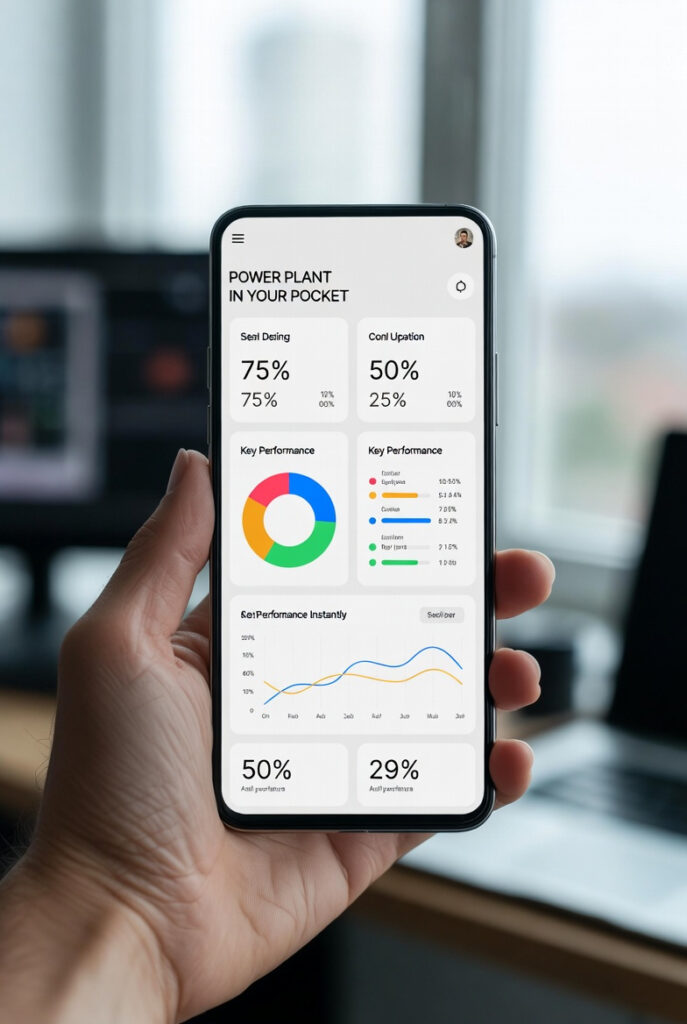
You are at work in Guelph on a Tuesday in February. It is -18°C in Rockwood and your off-grid cabin system is running unattended. You have no idea if the batteries are at 80% or 8%. You are guessing. The victron vrm portal ends that permanently a free web portal and app that shows every number in your system in real time from anywhere on earth. Before building the system that feeds it understand how much solar power you actually need so your array is sized to actually keep those batteries full.
I caught a failing battery cell last March just by looking at the voltage graph in VRM. There was a dip every morning between 2am and 4am that had no business being there the load was constant but one cell was dropping out of balance under the cold. The homeowner had no idea. We caught it under warranty. Without VRM that battery bank would have failed completely mid-winter and nobody would have known why.
Victron VRM Portal: What It Is and What It Costs
The simple answer: The victron vrm portal is a free cloud-based monitoring platform at vrm.victronenergy.com. Free to register. Free to use. No subscription. No monthly fee. You create an account, connect your Cerbo GX or GlobalLink 520 to WiFi or cellular, and within minutes your system data is live on the portal from anywhere in the world.
What connects to VRM:
- Cerbo GX via WiFi or Ethernet covered in our Victron Cerbo GX guide
- GlobalLink 520 via 4G LTE-M cellular for cabins with no WiFi
- VRM app available for iOS and Android same data on your phone
The no-WiFi rural Ontario solution: Many Ontario and Minnesota off-grid cabins have no internet connection. The Victron GlobalLink 520 solves this a dedicated 4G LTE-M cellular device that connects your SmartShunt and MPPT controller directly to VRM with no WiFi required. Includes 5 years of prepaid cellular data. No monthly fees. No SIM card shopping. Plug it in and your Rockwood cabin data appears on your phone in Guelph within minutes.
The Dashboard – What You See in Real Time
The flow diagram: The victron vrm portal homepage shows a live system flow diagram solar panels at the top showing current watts production, battery in the centre showing SoC percentage and charge/discharge rate, AC loads at the bottom showing what is running and how many watts it is consuming. Arrows show the direction of energy flow in real time. At a glance you know: is the sun producing, is the battery charging or discharging, what is running right now.
The numbers that matter:
- Battery SoC – percentage remaining
- Battery voltage – to the second decimal point
- Battery current – amps in or out
- Solar yield – current watts and today’s total kWh
- AC load – total watts being consumed right now
- Time remaining – hours until battery reaches minimum SoC at current consumption
The fleet GPS analogy: Think of the victron vrm portal like a GPS fleet tracking app for transport trucks. You do not call each driver to find out where they are. You open the app. Every truck on the map. Every truck’s speed, fuel level, and status visible instantly. VRM does the same for your power plant you do not walk to the equipment room to check the system. You open the app. Every number visible instantly from wherever you are.
Historical Data – The Diagnostic Tool Most Owners Ignore
The 7-day solar yield graph: VRM stores 70 days of historical data by default. The solar yield graph shows daily production for any date range. This is not just interesting data it is a practical decision-making tool.
Before running the dishwasher or doing laundry look at the last 7 days of solar yield. If production has been strong and consistent battery at 90%, 7-day average yield healthy run the appliances. If the last 4 days have been cloudy and production is down battery at 60% and dropping save the heavy loads for when the sun returns.
The battery voltage trend: The voltage history graph in VRM shows battery voltage at every logged interval typically every 15 minutes to 1 minute depending on configuration. A healthy battery bank shows smooth predictable voltage curves. An unhealthy cell shows irregular dips voltage dropping unexpectedly at low temperatures, under specific loads, or at specific times of day.
I was reviewing a client’s VRM data last March and noticed a repeating voltage dip every morning between 2am and 4am. Load was constant. Temperature was the variable coldest part of the night in Ontario in March is around 3am. One cell was dropping out of balance under cold stress. Caught under warranty. Without VRM nobody would have seen it until the battery failed. This is exactly why our Battery Monitor guide recommends enabling two-minute logging during the first 30 days of any new system.
The solar yield vs consumption comparison: VRM can display solar yield and total consumption on the same graph. If your 7-day yield average is 3.2 kWh/day and your 7-day consumption average is 4.1 kWh/day you are drawing down the battery bank by 0.9 kWh every day. At that rate a 10 kWh battery bank loses 6.3 kWh per week. VRM shows you this before you come back to a dead system on a Friday night.
Alert Setup – The Survival Configuration
Why VRM alerts matter in Ontario winters: Your system can fail at any time. A cloudy week. A failing battery cell. An inverter fault. A space heater left on accidentally. If you are not on-site you will not know until you arrive or until the pipes freeze. VRM alerts send a push notification to your phone within seconds of any threshold being crossed.
The minimum alert configuration – every off-grid system:
- Low battery voltage alert: Set at 12.2V for 12V LiFePO4 approximately 10-15% SoC. Emergency warning. If this fires something is seriously wrong.
- Low SoC alert: Set at 20% SoC. Action warning enough time to respond before damage occurs.
- Inverter fault alert: Any inverter overload, short circuit, or protection event triggers immediately.
- High battery temperature alert: Set at 45°C battery is overheating.
- Low battery temperature alert: Set at 2°C pre-warning before lithium plating risk at 0°C.
The Ontario 2°C threshold: This is the cold climate alert completely absent from every victron vrm portal guide. When your battery bank temperature drops to 2°C you have minutes before it hits 0°C the threshold where charging LiFePO4 causes permanent lithium plating damage. A VRM alert at 2°C gives you time to trigger the battery heater manually or verify the automatic relay heater activated. This is the difference between a $3,000 battery surviving an Ontario winter and not.
Remote Console – The Pro Feature
What Remote Console is: Remote Console is the victron vrm portal feature that lets you see and interact with your Cerbo GX’s local interface from any browser anywhere in the world. It is not just monitoring it is full remote control. You can see the exact screen your Cerbo GX is displaying in Rockwood while sitting at your desk in Guelph. You can change settings, adjust charge parameters, enable or disable loads, and restart devices all remotely.
What you can do with Remote Console:
- Change battery charge voltage setpoints remotely
- Enable or disable DVCC settings
- Restart the inverter after a fault
- Check which devices are connected and their firmware versions
- Adjust relay trigger thresholds without driving to the cabin
The service advisor analogy: Remote Console is like having remote access to the diagnostic computer at a shop you manage from a different city. You do not have to physically be there to read the codes, check the live data, or make configuration changes. You see exactly what the technician on-site sees and you can make adjustments without leaving your chair.
The GlobalLink 520 – VRM Without WiFi
For Ontario and Minnesota off-grid cabins with no internet connection the Victron GlobalLink 520 is the solution. It connects up to two VE.Direct devices typically the SmartShunt and MPPT charge controller directly to VRM via 4G LTE-M cellular. No router. No WiFi. No monthly subscription. 5 years of prepaid cellular included.
What the GlobalLink 520 gives you:
- Battery SoC and voltage in VRM every 15 minutes
- Solar yield data and history
- VRM alerts via push notification
- Temperature sensor support via RuuviTag Bluetooth sensors
What it does not give you: Remote Console requires a Cerbo GX the GlobalLink 520 is monitoring only, not full remote control. For Remote Console capability upgrade to the Cerbo GX setup covered in our Cerbo GX guide.
Should I Set Up VRM? The Checklist
You need the victron vrm portal if:
- ☐ You have any Victron GX device or GlobalLink 520
- ☐ You leave your system unattended for more than 24 hours
- ☐ You are in Ontario, Minnesota, or Montana where winter failures are catastrophic
- ☐ You have LiFePO4 batteries that must not be deep discharged or charged below 0°C
- ☐ You want historical data to diagnose performance issues
- ☐ You want to catch battery cell failures before they become total losses
Setup takes 10 minutes:
- Create free account at vrm.victronenergy.com
- Connect Cerbo GX to WiFi or Ethernet
- Add installation in VRM using the VRM token from the Cerbo GX menu
- Configure alerts low voltage, low SoC, inverter fault, temperature thresholds
- Download the VRM app on your phone
Free. 10 minutes. Your system is now visible from anywhere on earth.
Pro Tip: Enable two-minute data logging in VRM for the first 30 days after system commissioning. The default is 15-minute intervals. Two-minute logging captures the fine-grained voltage behaviour that reveals cell imbalance, surface charge patterns, and charging anomalies that 15-minute logging smooths over. After 30 days switch back to 15-minute intervals to conserve your 70-day storage window. The diagnostic data from those first 30 days will tell you more about your battery bank’s true health than any other single test.
The Verdict
If you have a GX device and you have not registered for the victron vrm portal you are ignoring the most powerful tool in your arsenal. It is the difference between guessing your autonomy and knowing exactly how many hours of power you have left from the Zehrs parking lot in Guelph, from a hotel in Florida, from anywhere on earth with a cell signal.
Free. 10 minutes to set up. Catches failing battery cells before they fail. Sends you a notification before your pipes freeze.
There is no reason not to have it running by tonight.
Disclosure: This article contains affiliate links. If you buy through them, GridFree Guide earns a small commission at no extra cost to you.
Questions? Drop them below.