
You have a Victron MultiPlus, a Victron SmartSolar MPPT, and a Cerbo GX. You have three different communication ports staring at you and cables that look similar but are not interchangeable. The ve.bus vs ve.direct question is not complicated once someone explains it clearly but until that moment it causes expensive mistakes. Before wiring your Victron system understand how much solar power you actually need so your system is sized correctly before the cables go in.
I watched a DIYer try to force a VE.Direct cable into a USB port on his laptop using a generic Amazon adapter for $3. He was convinced it would work because the plug looked similar. It nearly fried the communication board on his $400 Victron SmartSolar MPPT. The proprietary pinout on VE.Direct is not the same as USB. The $20 Victron VE.Direct to USB interface exists for exactly this reason.
VE.Bus vs VE.Direct: The One-Line Summary
Before the detail – the one-line summary:
- VE.Direct: Data-only cable for smaller devices MPPT charge controllers, SmartShunt, Phoenix inverters. 4-pin proprietary connector. One device per cable.
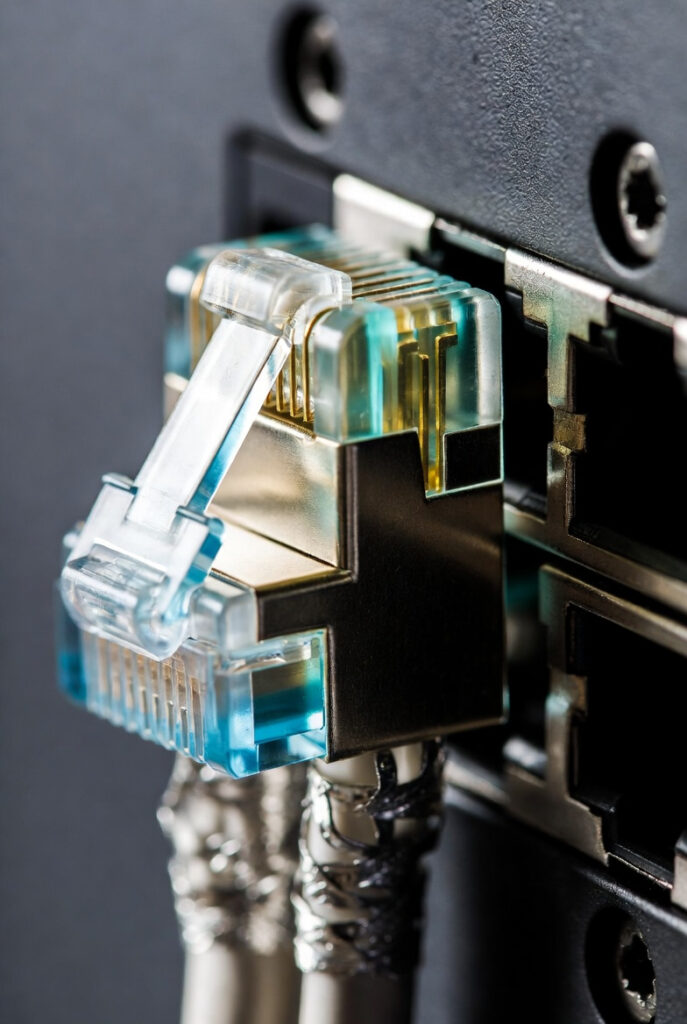
- VE.Bus: Bi-directional command cable for heavy hitters MultiPlus and Quattro inverter/chargers. Uses RJ45 connector. NOT regular internet cable.
- VE.Can: High-speed daisy-chain for large systems Lynx Smart BMS and multiple GX devices. RJ45 connector with termination resistors required.
If the plug does not slide in with a gentle click you have the wrong cable. Stop and check the manual.
VE.Direct – The Data Reporter
What VE.Direct is: VE.Direct is Victron’s proprietary one-way data communication protocol for smaller devices. It reports data voltage, current, SoC, temperature, fault codes from the device to whatever is reading it. The cable uses a small 4-pin proprietary connector that looks superficially like a small computer plug but has a completely different pinout.
What uses VE.Direct:
- SmartSolar MPPT charge controllers sizing covered in our Charge Controller guide
- SmartShunt and BMV battery monitors
- Phoenix inverters smaller standalone units
- BlueSolar MPPT controllers
What VE.Direct does NOT do: VE.Direct is one-directional for most devices data flows out from the device. You cannot send commands back down a VE.Direct cable to change settings on most devices. It reports. It does not receive instructions.
The oxygen sensor analogy: Think of VE.Direct like the oxygen sensor wire on an engine. It reports one data stream oxygen content back to the ECU. It does not receive commands. It does not carry high-voltage signals. It just sends its reading. Your MPPT’s VE.Direct cable does exactly the same it reports what the controller knows to the Cerbo GX or laptop.
VE.Direct cable lengths and ordering: The Victron VE.Direct Cable is available in 0.9m, 1.8m, 3m, and 5m lengths. Order the length that reaches from your device to your Cerbo GX without stretching or creating a coiled mess. Coiled cables pick up interference. Run them cleanly.
VE.Bus – The Command Highway
What VE.Bus is: VE.Bus is Victron’s bi-directional communication protocol for high-level system control. It carries complex two-way commands between the MultiPlus or Quattro inverter/charger and the Cerbo GX charge current setpoints, inverter enable/disable, grid feed-in settings, system mode changes. It uses a standard RJ45 connector the same physical shape as an ethernet cable.
CRITICAL WARNING: A standard Cat5e or Cat6 ethernet cable will physically fit into a VE.Bus port. It will not work. VE.Bus uses a different pinout than ethernet. Using a standard ethernet cable on a VE.Bus port will at minimum cause communication failure and may cause hardware damage. Always use the Victron RJ45 UTP Cable specifically labeled for VE.Bus use.
What uses VE.Bus:
- MultiPlus inverter/chargers – all models
- Quattro inverter/chargers – all models
- Connection between MultiPlus units in parallel or three-phase configurations
- Connection from MultiPlus or Quattro to the Cerbo GX VE.Bus port
The transmission harness analogy: Think of VE.Bus like the transmission control harness on a heavy-duty truck. It carries complex bi-directional commands shift commands, torque requests, fault codes, mode changes. Cut the wrong wire in that harness and the transmission does not know what gear to be in. The VE.Bus cable carries the same level of system-critical communication between your inverter and the Cerbo GX. It is not a data reporter. It is a command highway.
VE.Bus in the Cerbo GX system: As covered in our Victron Cerbo GX guide the Cerbo GX has one dedicated VE.Bus port. The MultiPlus or Quattro connects here. The Cerbo GX sends charge setpoints, mode commands, and configuration changes down this cable. The MultiPlus sends back operational status, fault codes, and AC measurements. This is the most critical cable connection in a full Victron system.
VE.Can – The High-Speed Rail
What VE.Can is: VE.Can is Victron’s high-speed daisy-chain communication protocol for large systems. It uses the same RJ45 physical connector as VE.Bus but with a completely different protocol. VE.Can is used when multiple high-level devices need to communicate simultaneously Lynx Smart BMS, multiple MPPT controllers at high power, and certain third-party battery systems.
The critical termination requirement: VE.Can networks require a 120-ohm termination resistor at each end of the daisy chain. Victron sells RJ45 terminator plugs for this purpose. A VE.Can network without proper termination resistors will produce unreliable communication and random fault events. This is a common commissioning error on first-time large system builds.
When you need VE.Can: For most residential off-grid systems in Ontario MultiPlus, SmartSolar MPPT, SmartShunt, Cerbo GX VE.Can is not required. VE.Direct and VE.Bus handle everything. VE.Can becomes relevant when you add a Lynx Smart BMS, a Lynx Distributor, or when paralleling multiple large MPPT controllers above 100A combined output.
The VE.Direct to USB Interface – The Secret Weapon
What it does: The Victron VE.Direct to USB Interface converts the proprietary VE.Direct signal to standard USB allowing you to connect any VE.Direct device directly to a laptop running VictronConnect. No Cerbo GX required. No Bluetooth pairing required. Direct wired connection for programming, firmware updates, and data logging.
When you need it:
- Programming an MPPT charge controller from a laptop before system installation
- Updating firmware on a device that is not pairing via Bluetooth
- Logging detailed historical data from a SmartShunt directly to a laptop
- Diagnosing a device that is not communicating with the Cerbo GX
Why the generic USB adapter will destroy your equipment: A VE.Direct connector looks similar to some small USB connectors. The pinout is completely different. A generic USB adapter applies voltage to the wrong pins on the VE.Direct port. The communication board in the MPPT or SmartShunt is not protected against this voltage. It fails. The $20 Victron VE.Direct to USB interface has the correct pinout and correct signal conversion. There is no substitute.
Cold Climate Cable Management – The Ontario Rule
This is the cold climate detail completely absent from every ve.bus vs ve.direct guide.
What happens to plastic cable jackets in Ontario winters: Standard PVC cable jacket becomes stiff and brittle below -10°C. A VE.Direct cable that is flexible and manageable in September becomes rigid as a pipe in January. Bending a cold PVC cable sharply cracks the jacket creating moisture entry points and eventually breaking the conductors inside.
The Ontario installation rule: Run all VE.Direct and VE.Bus communication cables inside the cabin or through conduit before the November freeze. If cables must pass through an exterior wall or travel through an unheated space use flexible conduit rated to -40°C. Do not leave communication cables exposed to outdoor temperatures in Ontario, Minnesota, or Montana installations.
The practical checklist:
- All VE.Direct cables from array to equipment room: run through conduit or inside wall
- VE.Bus cable from MultiPlus to Cerbo GX: inside heated equipment room never exposed
- Cable entry points through walls: sealed with foam backer and appropriate gland fittings
- Minimum bend radius maintained at all installation points no sharp corners
The Quick Reference Guide
| Cable Type | Connector | Devices | Direction | Use When |
|---|---|---|---|---|
| VE.Direct | 4-pin proprietary | MPPT, SmartShunt, Phoenix | Mostly one-way | Connecting data devices to Cerbo GX |
| VE.Bus | RJ45 (proprietary) | MultiPlus, Quattro | Bi-directional | Connecting inverter to Cerbo GX |
| VE.Can | RJ45 (proprietary) | Lynx BMS, large systems | Bi-directional | Large systems with daisy-chain needs |
| VE.Direct to USB | VE.Direct to USB-A | MPPT, SmartShunt | One-way to laptop | Programming without Cerbo GX |
Pro Tip: Label every communication cable at both ends the day you install it. Use a label maker or even masking tape and a marker “VE.Direct – MPPT 1 to Cerbo”, “VE.Bus – MultiPlus to Cerbo”. When you are troubleshooting a communication fault six months later in a dark equipment room in January you will not remember which cable goes where. Fifteen minutes of labeling on installation day saves two hours of frustration during a fault diagnosis.
The Verdict
The ve.bus vs ve.direct question is simple once you know the answer VE.Direct reports data from smaller devices, VE.Bus carries commands to and from your inverter. Both use proprietary connectors. Neither accepts substitutes.
A $20 cable is the only thing standing between your inverter and your brain. Buy the correct one. Label it. Run it through conduit before November.
That is system integrity.
Disclosure: This article contains affiliate links. If you buy through them, GridFree Guide earns a small commission at no extra cost to you.
Questions? Drop them below.
About the Author
Robert Bertrand spent 20 years as a service advisor in the automotive industry (Lexus and Nissan), where precision diagnostics, wiring integrity, and documentation standards were non-negotiable. He brings that same technical discipline to GridFree Guide, where he researches, tests, and documents off-grid solar systems for Ontario conditions. Based in Rockwood, Ontario, every article is built on verified specifications, manufacturer data, and the real-world climate constraints of Canadian off-grid living.
As an Amazon Associate I earn from qualifying purchases. This site also contains affiliate links to other products and services. GridFree Guide earns a small commission at no extra cost to you.