
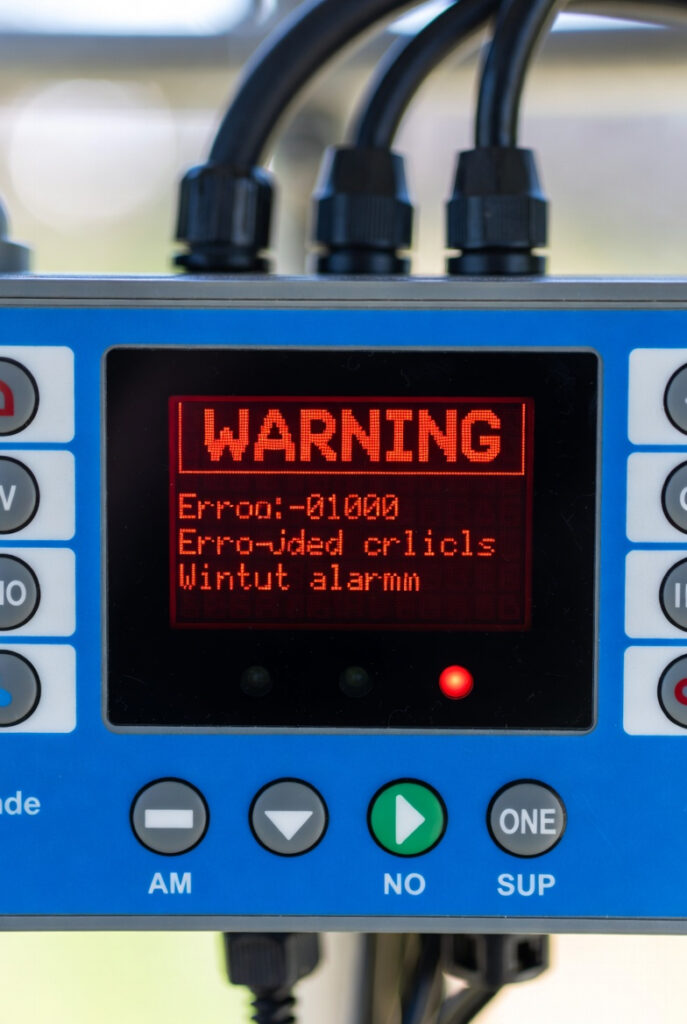
Controller error codes are diagnostic outputs, not failure verdicts. Most owners replace a healthy controller before they finish the manual. The flashing red light is a sensor reading, not a death sentence. The diagnostic discipline beats the parts cannon every time.
I saw this firsthand in Bruce County, Ontario. A seasonal cottage owner panicked over an E01 error on his 2000W PSW system. His setup was a 300Ah LFP bank at 12V with 800W of panels. When ambient hit minus 22C overnight, he assumed his controller was toast.
The fix cost zero dollars in parts. Most controller error codes resolve at zero cost. The owner reads the manual first, then measures voltage at the controller terminals. Wiring or environmental causes get ruled out before condemning the unit.
For the broader system context, see our solar charge controller guide. To verify battery voltage during a fault, the Victron SmartShunt reads accurately. For controller selection, see our MPPT vs PWM guide.
| Error Code | Likely Cause | Real Hardware Failure? | First Diagnostic Step |
|---|---|---|---|
| E01 / High PV / ERR 33-34 | Cold-weather Voc spike | Almost never | Measure Voc at controller terminals |
| E02 / LVD / Under-voltage | Battery bank too small | Almost never | Measure battery voltage at peak load |
| E03 / Over-temperature | Sealed enclosure or dust on heatsink | Almost never | Check ambient near controller |
| Communication fault | VE.Direct or RS485 wiring | Sometimes | Check cable continuity and pins |
| Internal hardware fault | Component failure | Yes (under 5%) | Only after ruling out the above |
How to read controller error codes like a Check Engine Light
A flashing red light on a charge controller does not mean replacement. Think of it like a Check Engine Light in your car. A modern ECU does not throw the light because the engine has died. It throws the light because a sensor detected something outside spec.
The same principle applies to controller error codes. They are diagnostic outputs, not failure verdicts. Error codes vary by manufacturer. Renogy, EPEver, and Victron VE.Direct codes all differ from each other.
The manual is your starting point. Most owners skip this step on their way to the credit card. The diagnostic sequence is short. Check fuses, verify wiring, measure voltage at the terminals.
The cold weather over-voltage trap (E01, ERR 33, ERR 34)
The Bruce County cottage owner woke to a flashing E01 in January 2026. His 4-panel series-parallel string was rated 88V at standard test conditions. Overnight ambient hit minus 22C and the controller threw the over-voltage error before sunrise. He assumed total controller failure.
He disconnected the panels and waited for sun. The error cleared on its own. Reconnecting the panels brought back the E01 within an hour. He called assuming the controller was failing intermittently.
The temporary fix had been masking the real issue for two weeks. Morning sun warmed the panels enough to drop Voc below the trigger threshold. The real diagnosis was a cold-weather Voc spike. His string was hitting 124V at minus 22C, well above the 100V max input.
Cold panels produce more voltage than warm panels. Silicon cell efficiency rises as temperature drops. Standard test conditions measure at 25C. Ontario January mornings can run 47 degrees below that reference point.
Rewiring from series-parallel to all-parallel dropped his cold-spike Voc from 124V to 62V. Cost was zero parts and 30 minutes of labour. This is a Check Engine Light triggered by a sensor at the edge of spec. The sensor is right and the engine is fine.
The 1.25 cold weather correction factor is the rule for Ontario. A 44V string at STC reaches 55V at minus 20C ambient. Bruce County winter mornings can push that number higher still. See our Ontario solar charge controller guide for the full sizing math.
The thermal trap that kills production silently before E03 fires
A rural homesteader near Bancroft in Hastings County mounted his charge controller in a sealed cabinet. The cabinet sat on a south-facing wall. He was protecting the unit from the weather. His system was 400Ah AGM at 24V with 1200W of panels.
An E03 over-temperature error fired during an August heatwave. The system shut down hard in the middle of the afternoon. He assumed heatwave-induced controller failure. He started shopping for a replacement before checking anything else.
Thermal throttling had been costing him 35 percent of midday production for 8 weeks. Cabinet interior hit 55C while exterior ambient stayed at 32C. The controller had been healthy the entire time. Modern controllers throttle output to protect themselves long before tripping a hard error.
Relocating the controller to a north-facing interior wall fixed both problems. He added 6 inches of clearance and a $40 cabinet fan. The hard error stopped firing. The silent thermal throttle ended.
Production recovered to design spec immediately. His daily Wh on the SmartShunt jumped 35 percent the same day. The total fix cost was $40 in parts and one hour of labour. No controller replacement was needed.
A thermal warning light on a properly engineered ECU is not a failure to silence. It reports a real airflow problem. The engineer’s job is to fix the ventilation. See our how to size a charge controller guide for Ontario.
Low voltage disconnect: when the LVD is right and the bank is wrong (E02)
An E02 controller error means the battery dropped below the LVD threshold. The controller is protecting the battery from over-discharge damage. LFP batteries at 12V cut off at 10.5V and AGM batteries at 12V cut off at 11.5V. In 24V systems both values double.
The controller is reading accurately. It is acting on the manufacturer’s spec sheet. Controller error codes in this category almost always mean an undersized bank. They do not mean a faulty controller.
Measure battery voltage at the controller terminals during peak load. If the battery dips below cutoff during a normal evening, the bank is too small. The fix is bank capacity, not controller replacement. Adding parallel batteries works for short-term capacity expansion.
Upgrading from AGM to LFP works better for long-term cost per cycle. AGM is rated for 50 percent depth of discharge. LFP handles 80 to 90 percent without measurable degradation. The math changes everything in Ontario winter conditions.
Wiring loss between the bank and the controller can also trigger E02. Voltage drop across undersized cable looks identical to low battery voltage. Measure at the battery posts and at the controller terminals. If readings differ by more than 0.2V, the wiring is the problem.
Controller error codes that do mean replace the unit
Under 5 percent of all controller failure claims are real hardware failures. Visible scorching on the MOSFETs is the clearest sign. Open the case and inspect the power transistors near the heat sink. Burn marks, melted plastic, or a chemical smell mean the unit is finished.
Liquid damage shows up as corrosion on the circuit board. It also appears around the terminal blocks. Lightning strike leaves the controller dead silent with no LED activity at all. Internal communication faults that persist after a firmware reset indicate real failure.
Document the install conditions before filing any warranty claim. Photograph the install location, the wiring, and any visible damage. Most warranties cover internal component failure. They exclude error codes from improper installation, undersized components, or out-of-spec environments.
Controller error codes are forensic evidence when handled correctly. They tell you what the controller saw. They tell you why it shut down. That information solves 95 percent of cases without spending a dollar on parts.
Building a controller error codes diagnostic discipline before the next fire
The Service Advisor approach beats the parts cannon every time. Read the manual first, then check fuses and connections. Verify wiring at the terminals. Measure voltage and compare to spec.
Build the discipline into a printed checklist. Tape it inside the equipment cabinet door. The next person who opens it sees the sequence. Tag your meter, the manual, and a flashlight to the bench.
A Klein Tools digital multimeter is the right tool for field diagnostics. True RMS, rugged enclosure, 0.5 percent accuracy on DC voltage. The MM400 is the model most off-grid Ontario installers carry.
Ontario installations face conditions that drive controller error codes harder than most jurisdictions. Cold winters trigger E01 across the province. Sealed enclosures in summer trigger E03 from Tobermory to Cornwall. Undersized banks trigger E02 in every county.
NEC Article 690 governs solar PV installation including charge controllers. Wire sizing follows NEC 690.8 and overcurrent protection follows NEC 690.9. Equipment grounding follows NEC 690.43. Current standards are published at nfpa.org.
CEC Section 64 governs solar PV installations in Ontario. Permanent installations require an ESA permit before energizing. Wire sizing and overcurrent protection follow Section 64 tables. The Electrical Safety Authority publishes current guidelines at esasafe.com.
Pro Tip: Tape a $4 digital multimeter inside the equipment cabinet wall. Add the controller’s manual and a flashlight beside it. Before assuming the controller has failed, measure Voc at the panels and battery voltage at the controller. Most controller error codes diagnose in five minutes.
- For the off-grid owner staring at a flashing red light right now: Do not buy a replacement controller yet. First measure Voc at the panels and battery voltage at the controller. Most controller error codes resolve at zero cost. Check the wiring, fuses, and ambient temperature.
- For the Ontario installer designing a new cold-climate system: Apply the 1.25 cold weather correction factor. A 4-panel string of 11Voc panels reads 44V warm and 55V at minus 20C. Spec a controller for the cold-weather number, not the standard test conditions number.
- For the homesteader with a controller in a sealed equipment cabinet: Open the cabinet on a hot afternoon. Measure interior temperature with a thermometer. If it hits 45C or above, the controller is throttling silently. A $40 cabinet fan and 6 inches of clearance recovers the production.
Frequently asked questions
Q: What does an E01 error mean on a solar charge controller?
A: E01 indicates an over-voltage condition on the panel input. The cause is almost always a cold-weather Voc spike. The string is exceeding the controller’s max input rating. The fix is rewiring or specifying a controller with higher input.
Q: Are controller error codes covered under warranty?
A: Most manufacturer warranties cover internal component failure. They exclude error codes triggered by improper installation. Cold-weather Voc spikes, sealed-cabinet thermal events, and undersized banks are install issues. Document conditions thoroughly before filing any claim.
Q: Should I replace a controller that throws repeated error codes?
A: Not until you have ruled out wiring, fusing, and environmental causes. Repeated E01 codes usually mean a cold-weather Voc problem. Repeated E02 codes mean an undersized bank. Repeated E03 codes mean poor airflow.
This build is engineered within the 48V DC Safety Ceiling. Diagnostic logic is based on 20+ years of technical service experience. All structural and electrical installations must be verified by a Licensed Professional and comply with your Local AHJ.
About the Author
Robert Bertrand spent 20 years as a service advisor in the automotive industry (Lexus and Nissan), where precision diagnostics, wiring integrity, and documentation standards were non-negotiable. He brings that same technical discipline to GridFree Guide, where he researches, tests, and documents off-grid solar systems for Ontario conditions. Based in Rockwood, Ontario, every article is built on verified specifications, manufacturer data, and the real-world climate constraints of Canadian off-grid living.
As an Amazon Associate I earn from qualifying purchases. This site also contains affiliate links to other products and services. GridFree Guide earns a small commission at no extra cost to you.